
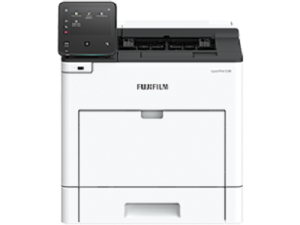
Flexible. Secure. Reliable
Offices can easily use different FUJIFILM devices thanks to shared functions across the lineup.
Supporting Universal Print by Microsoft*1
By registering ApeosPrint 5330 to Universal Print by Microsoft in advance, users*2 authenticated with Azure AD can print from anywhere through cloud.
- *1 Optional Storage (SSD) is required.
- *2 Organizations with Microsoft Windows Enterprise or Microsoft 365 subscriptions
Print out from any printer within the office
With Server-less On-Demand Print*, you have the flexibility to print and collect the print outs from any of the connected printer.
- Improves productivity by printing from another available device when the current device is in use
- Up to 100 devices can be linked
- * Optional
Safeguard important information
- Prevents paper information leakage with Secure Print and Private Charge Print with IC card authentication*. With Image Log*, job logs and the image itself can be stored and managed, enabling prompt investigation upon information leakage.
- Newly support WPA3 as latest wireless LAN security protocol and adopt TPM (Trusted Platform Module) 2.0, as a security chip that conforms to the latest standards with enhanced encryption
- Detects tampering of device software and self-repairing feature protects and repairs device software against tampering events
- Provides more robust and secured office environment with enhanced security feature of both hardware and software
- * Optional
Reliable support system
From consumables replacement to unexpected device failures, most problems can be resolved without waiting for the service or sales representatives.
- Resolve problem using the “Help” function on the device
- “Remote Assistance” with the help of operators
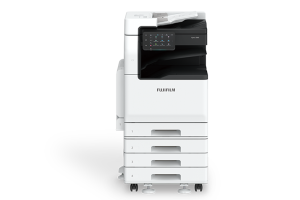
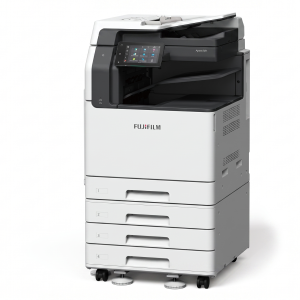
ApeosPrint 5330, catering to your everyday business printing needs
User-friendly colour touch panel
- Home screen personalisation for ease of access to commonly used functions
- When using Private Charge Print, you can easily select and delete the documents viewing the thumbnails* shown on the panel.
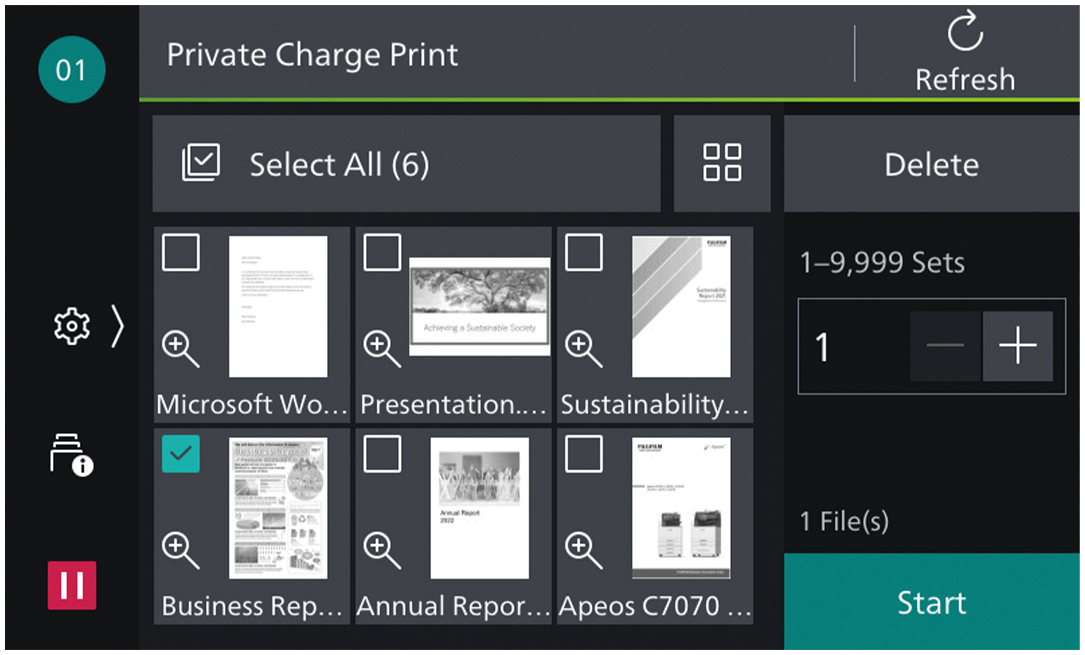
- * Optional Storage (SSD) is required for thumbnail view.
Quick printing from your mobile device and USB flash drive
- You can print photos and documents (DocuWorks/PDF) stored in your iOS or Android mobile device.
- Connect to Machine via Wireless Environment or Wi-Fi Direct Connection*
- You can easily print from mobile devices using Print Utility, AirPrint, and Mopria® Print Service.
- You can directly print the documents stored on a USB flash drive for efficient operations*.
- * Optional
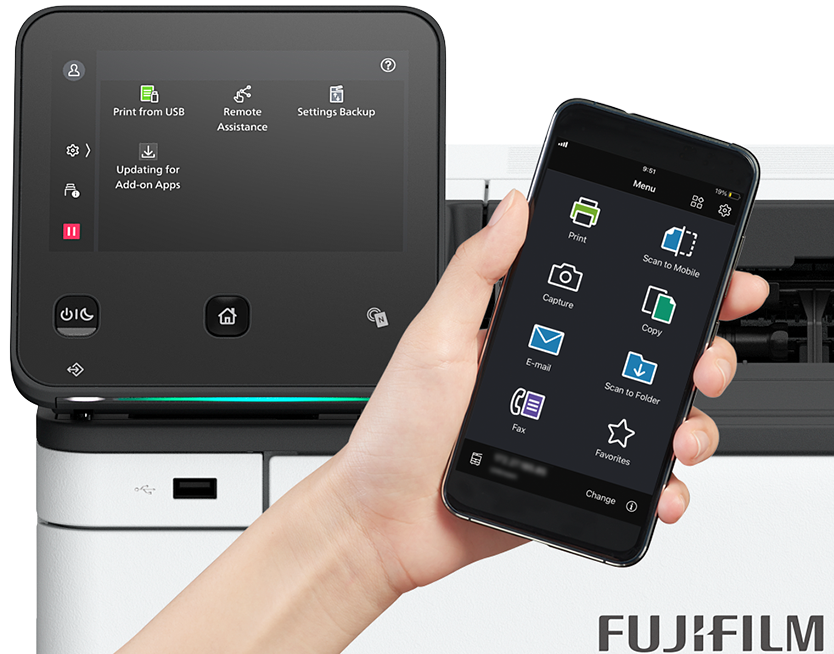
Print from mobile devices
Reviews
There are no reviews yet.