
How to Choose Photocopier Speed Based on Monthly Print Volume
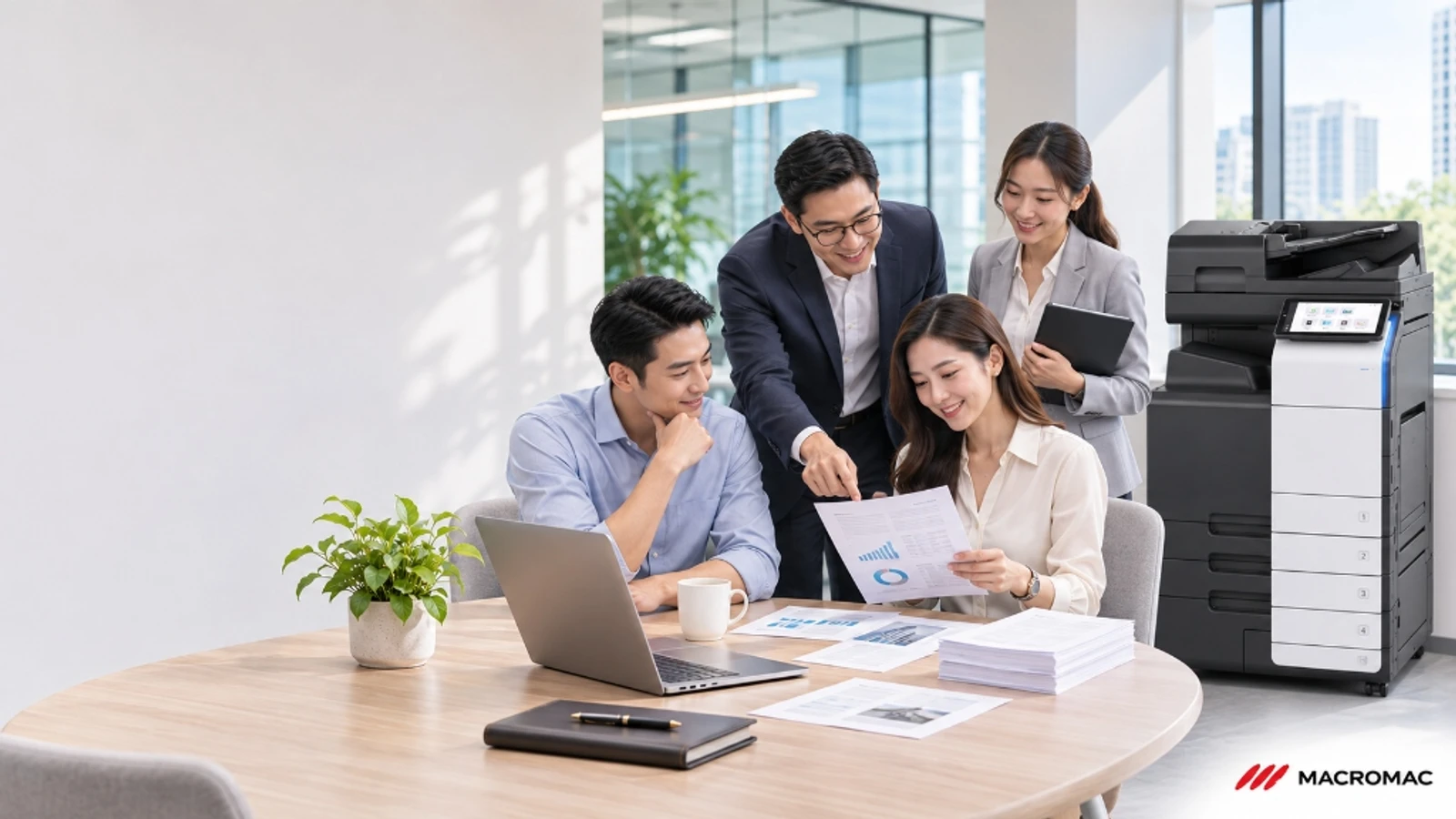
Malaysian office team collaborating around high-volume printed reports and multi-tray departmental photocopier for print speed assessment
Selecting the right photocopier speed (pages per minute, or ppm) requires evaluating more than just monthly page totals. While average monthly volume establishes a baseline duty band, real-world productivity depends on peak-hour print surges, concurrent user density, first-copy-out time, dual-scan feeder capacity, and whether staff frequently produce complex A3 colour collaterals. Sizing purely by daily averages risks chronic workplace bottlenecks during month-end invoicing deadlines.
1. Distinguishing PPM, FCOT, and Recommended Duty Volumes
When reviewing commercial copier specification sheets from manufacturers like Konica Minolta, FUJIFILM, or Sharp, buyers encounter technical terminology that requires clear operational distinction:
- Print Speed (PPM / CPM): Pages (or copies) per minute indicates how many standard single-sided A4 monochrome text sheets the print engine outputs per minute during continuous uninterrupted runs.
- First-Copy-Out Time (FCOT): The elapsed time between pressing the start button (or sending a print job) and the first completed page landing in the exit tray. For offices sending many 1- to 3-page quick jobs, an FCOT of 5.5 seconds provides vastly faster real-world responsiveness than a high-PPM machine with a sluggish 12-second warm-up latency.
- Recommended Monthly Page Volume: The manufacturer's engineered sweet spot where the copier functions with optimal reliability, minimal paper jam incidence, and normal consumable wear.
- Maximum Monthly Duty Cycle: The theoretical mechanical stress limit of the engine. Operating a copier consistently near its maximum duty cycle leads to premature roller wear and frequent breakdown calls.
2. How to Accurately Estimate Monthly Print Volume
If your office does not currently have a centralized multifunction device with automated meter logging, estimating monthly output is straightforward:
- Audit Paper Ream Invoices: Standard office copy paper is packaged in reams of 500 sheets. If your administration team orders 6 boxes (each containing 5 reams) every quarter, your office consumes approximately 15,000 sheets every 3 months, or 5,000 sheets per month.
- Factor Duplexing: Remember that one physical sheet of paper printed on both sides counts as two printed impressions (clicks) on your billing meter. If 40% of your 5,000 sheets are duplexed, your actual monthly meter volume is approximately 7,000 clicks.
- Check Departmental Color Requirements: Identify which business units genuinely require colour output (management presentations, marketing flyers, design proofs) versus departments producing purely black-and-white documentation (accounting ledgers, delivery notes, shipping waybills).
3. The Peak-Hour Fallacy: Why Averages Mislead
The most common error in copier sizing is dividing monthly volume evenly across working days and hours. For example:
An office printing 6,000 pages per month over 20 working days averages 300 pages per day. Across an 8-hour workday, that represents just 37.5 pages per hour—less than 1 page per minute! Based on this simplistic math, a basic 20 ppm desktop printer would appear more than adequate.
In reality, office printing does not occur in a smooth, continuous trickle. Printing occurs in intense, concentrated bursts:
- Every morning at 9:15 AM when 8 team members print agendas for a department meeting.
- Every Friday afternoon when logistics teams batch-print weekly fulfillment manifests.
- Month-end closing when accounting prints hundreds of statements, tax forms, and trial balances.
If 250 pages are released concurrently at 9:15 AM on a slow 20 ppm machine, colleagues wait in a physical queue for over 13 minutes, creating workplace frustration and compounding administrative delays. Sizing for peak throughput prevents operational bottlenecks.
4. Illustrative Office Sizing Framework
Below is an illustrative guideline demonstrating how typical Malaysian business workloads map to copier performance bands:
| Workplace Classification | Staff / Users | Monthly Impressions | Recommended Speed Band |
|---|---|---|---|
| Small Studio / Boutique Office | 1 to 7 users | Under 3,000 pages | 20 to 26 PPM |
| Standard SME Corporate Office | 8 to 25 users | 3,000 to 8,000 pages | 28 to 36 PPM (Sweet Spot) |
| Busy Legal / Accounting / Logistics | 20 to 45 users | 8,000 to 20,000 pages | 45 to 55 PPM |
| Enterprise / High-Volume Department | 40+ users | 20,000+ pages | 65 to 75+ PPM (Production) |
5. What Else Matters Beyond Raw Print Speed?
While print speed is prominent on brochures, several supporting architectural features directly dictate real-world satisfaction:
- Dual-Scan Document Feeder (DADF): If your staff digitize contracts or scan thick invoice batches, a dual-scan feeder that captures both sides in a single pass at 100 to 200 ipm (images per minute) saves hours compared to slow mechanical reversers.
- Paper Tray Capacity: Frequent paper reloading is a notorious time-sink. A 4-tray configuration accommodating 2,000 sheets lets an office run for weeks between replenishment.
- Bypass Tray Usability: Essential for occasionally feeding thick cardstock, certificate paper, envelopes, or long marketing banners.
- Intuitive Touchscreen UI: Responsive, tablet-like color panels (standard on Konica Minolta bizhub and FUJIFILM Apeos models) minimize user confusion and wasted misprints.
6. Worked Practical Example: The Invoice Surge
Consider an established distribution firm in Shah Alam with 18 employees. The firm records an aggregate monthly volume of 7,000 pages. However, every Monday morning, the logistics coordinator must print 350 multi-page delivery manifests within a tight 45-minute dispatch window.
On a 22 ppm entry machine, printing 350 pages requires nearly 16 continuous minutes of engine run time—excluding warm-up and job processing delays. Meanwhile, other team members waiting to print urgent shipping labels are completely blocked.
By stepping up to a 35 ppm multifunction copier (such as the popular Konica Minolta bizhub series), that same 350-page manifest prints in just 10 minutes. The faster processor handles concurrent spooling, maintaining seamless operational flow during peak commercial hours.
Consult our rental advisory team to formulate a balanced recommendation for your specific workload through our Contact Page or via WhatsApp.
What Information to Prepare for an Accurate Quotation
To help our sales and technician desk formulate a tailored, transparent quotation with zero hidden fees, gather these details before inquiring:
- Estimated total monthly impressions (mono and colour combined)
- Total number of active staff sending print jobs to the machine
- Frequency and size of peak printing batches (e.g., 200 invoices printed every Friday)
- Daily scanning load (e.g., accounts team scanning supplier delivery orders)
- Physical office floor plan and accessibility constraints
Need an Itemised Proposal for Your Workplace?
Connect directly with our Petaling Jaya sales desk. Share your monthly page count, preferred brands, and office location for an honest, competitive quote.
Direct Sales WhatsApp: +6019-263 0988 • HQ: 43-45, Jalan PJS 1/48, Taman Petaling Utama, Petaling Jaya, Selangor.
Frequently Asked Questions About This Topic
Does higher print speed automatically mean higher monthly rental rates?
Yes, machines with faster 45 to 65 ppm engines feature heavier duty chassis, larger power units, and advanced optical scanning assemblies, which carry a slightly higher monthly base rental. However, meter click rates for high-volume machines are often lower, balancing overall expenditure.
Is a 25 ppm photocopier sufficient for a 15-person office?
A 25 ppm copier is generally sufficient for 15 users if document output is evenly distributed and primarily consists of short 1- to 5-page documents. If your office regularly produces thick multi-page contracts or large monthly report runs, a 30 to 35 ppm machine provides much better queue responsiveness.
What is the difference between PPM and IPM?
PPM (Pages Per Minute) measures physical print or copy output onto paper. IPM (Images Per Minute) measures optical scanning speed into digital files. High-performance copiers often scan at 80 to 200 IPM even if their print engine is rated at 30 PPM.
Related Office Copier Guides
What's Included in Photocopier Rental Costs in Malaysia?
A practical guide breaking down monthly machine rentals, monochrome and colour meter click charges, toner inclusions, spare parts, and hidden costs to verify before signing.
How an SME Office Can Choose the Right Multifunction Photocopier: An Illustrative Scenario
A practical walkthrough of a hypothetical 25-person Petaling Jaya accounting firm evaluating monthly page volume, peak deadlines, A3 financial tables, dual-scan speeds, and confidential printing to select an ideal rental configuration.
8 Things to Check Before Signing a Photocopier Rental Agreement
An essential 8-point due-diligence checklist covering hardware verification, click charges, consumable exclusions, technician response times, delivery, and contract exit clauses.