
How an SME Office Can Choose the Right Multifunction Photocopier: An Illustrative Scenario
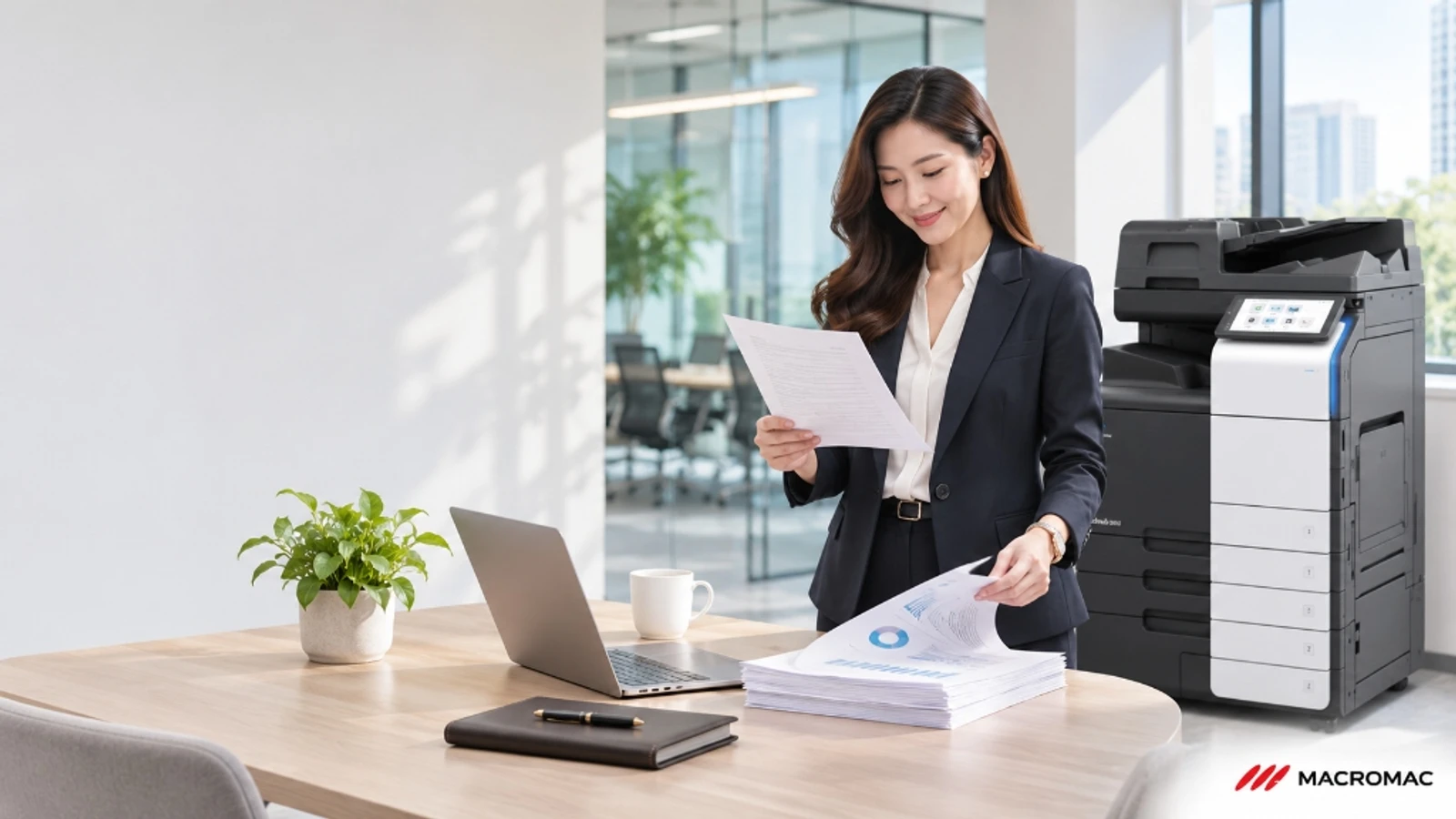
Malaysian SME office manager reviewing printed document quality and equipment agreement beside a commercial multifunction photocopier
Illustrative scenario — not an actual MACROMAC customer case study. Company details and figures are hypothetical, for decision-making guidance only.
Choosing the right multifunction photocopier for a growing Malaysian SME requires balancing user count, monthly print distribution, paper sizes, dual-scan requirements, document confidentiality, and budget predictability. This scenario illustrates how a 25-person accounting and advisory consultancy in Petaling Jaya evaluated their monthly workload, compared A4 desktop versus A3 floor-standing systems, and determined the appropriate rental configuration to eliminate printing bottlenecks without overcommitting capital.
1. The Fictional Workplace: Operational Context & Pain Points
To demonstrate how a Malaysian enterprise conducts an objective photocopier needs assessment, consider the scenario of Crestline Advisory, a hypothetical 25-person accounting, audit, and tax consultancy operating out of commercial premises in Petaling Jaya, Selangor.
The firm previously relied on two consumer-grade desktop laser printers and a standalone flatbed scanner. As the team expanded, several critical operational friction points emerged:
- Frequent Paper & Toner Exhaustion: Small 150-sheet paper trays required staff to reload paper multiple times daily, while expensive consumer toner cartridges ran out unexpectedly during tax submission weeks.
- Document Scanning Bottlenecks: Audit teams digitizing thick boxes of client receipts and tax vouchers were forced to scan pages individually or deal with frequent feeder jams on a slow reversing scanner.
- Lack of Confidential Print Protection: Printed payroll summaries, executive bonus schedules, and client audit reports were frequently left unattended on public output trays.
- Uncontrolled Printing Expenditures: Without centralized tracking, office colour toner expenses fluctuated unpredictably from month to month.
2. Document Workload & Peak Deadline Analysis
Crestline's office manager conducted a 30-day paper and print audit, discovering the following workflow profile:
- Total Monthly Output: Approximately 6,000 pages per month.
- Monochrome Distribution: ~5,000 pages (83%), primarily consisting of client audit working papers, statutory tax schedules, and internal correspondence.
- Colour Distribution: ~1,000 pages (17%), consisting of client advisory presentations, financial health dashboards, and company marketing collateral.
- Peak Volume Spikes: On the final three working days of each month, output surged to over 600 pages daily as the team finalized statutory monthly filings.
- Format Diversity: 95% of documents were standard A4, but audit partners frequently required wide-format 11" x 17" A3 balance sheet spreads and ledger matrices that were illegible when shrunk onto A4 paper.
3. The Technical Choice: Compact A4 vs. Floor-Standing A3
The management committee evaluated whether to deploy a heavy-duty A4 desktop multifunction machine or invest in a full-sized floor-standing A3 system:
- Option 1 (A4-Only MFP): More compact footprint, but limited to smaller 250-sheet cassettes, lower duty cycle components, and unable to print native A3 financial schedules or fold multi-page booklets.
- Option 2 (A3 Floor-Standing MFP): Incorporates a robust steel chassis, multiple 500-sheet paper cassettes (enabling simultaneous loading of letterhead, standard A4, and A3 paper), heavier fusing assemblies designed for continuous runs, and single-pass dual scanning.
Because the accounting firm frequently audits financial statements and client ledgers, native A3 support was determined to be a vital operational requirement rather than a luxury.
4. Comparing Two Generic Solution Configurations
The firm benchmarked two generic commercial solution categories (without brand bias):
| Feature / Specification | Configuration A: Entry A3 (22-25 PPM) | Configuration B: Mid-Range A3 (30-36 PPM) |
|---|---|---|
| Print & Copy Speed | 22 to 25 pages per minute | 30 to 36 pages per minute |
| Document Feeder Type | Reversing RADF (approx. 45-55 ipm) | Single-Pass Dual Scan DADF (80-130 ipm) |
| Paper Tray Capacity | 2 × 500-sheet trays + Bypass (1,150 max) | 4 × 500-sheet trays + Bypass (2,150 max) |
| Security Print Protocol | Basic PIN release | Encrypted PIN release & Department ID tracking |
| Peak Month-End Queue Handling | Acceptable; minor queueing during surges | Fast; seamless processing of concurrent jobs |
5. Financial & Service Evaluation: Rental vs. Buy
Crestline's finance partner compared spending capital reserves to purchase the machine versus entering a full-service commercial rental agreement with a regional provider like MACROMAC CORPORATION:
- Outright Purchase Drawbacks: Purchasing required committing significant upfront capital, tracking annual asset depreciation, and entering separate contracts for toners and technician emergency repairs.
- Comprehensive Rental Advantages: A 36-month rental required zero capital outlay beyond a standard refundable deposit, bundled all black and colour toner replenishments, included rapid on-site technician maintenance from the Petaling Jaya depot, and provided a single predictable monthly OPEX statement.
6. The Recommended Solution & Why It Fits
For a 25-person consulting firm printing 6,000 pages monthly with intense month-end reporting spikes, Configuration B (a 30 to 36 PPM A3 colour multifunction copier with single-pass dual scanning) represented the optimal operational recommendation:
- The 30–36 ppm engine eliminates printer queues during month-end statutory filing deadlines.
- The 4-tray paper configuration allows concurrent loading of plain A4 copy paper, firm letterhead, A3 balance sheet stock, and draft paper.
- The single-pass dual scanner allows audit teams to digitize 100-page double-sided client binders in under two minutes without risk of paper jams.
- User PIN release ensures payroll and confidential client advisory documents remain secure inside the machine's memory until the author arrives at the device to release the job.
Browse comparable enterprise machines across our verified Konica Minolta bizhub Fleet and FUJIFILM Apeos Catalogue.
7. Key Takeaways & Needs-Assessment Worksheet
Malaysian SME owners can replicate this evaluation process using this compact 4-step assessment framework:
- Step 1: Quantify Volume & Peaks: Measure average monthly impressions and identify peak operational days.
- Step 2: Determine Paper Formats: Verify whether any department requires A3 printing or scanning.
- Step 3: Evaluate Scanning Demand: If scanning volume exceeds 500 pages monthly, prioritize a dual-scan automatic feeder.
- Step 4: Insist on Full-Service Terms: Choose an itemized rental agreement that explicitly includes toners, imaging drums, parts, and priority on-site technician response.
To request a tailored needs assessment and itemized proposal for your workplace, visit our Quote Page or chat directly with our team on WhatsApp.
What Information to Prepare for an Accurate Quotation
To help our sales and technician desk formulate a tailored, transparent quotation with zero hidden fees, gather these details before inquiring:
- Current business operational sector and staff user count
- Breakdown of typical documents printed (internal reports, invoices, presentations)
- Daily scanning load (single-sided vs thick double-sided documents)
- Requirement for A3 wide-format financial tables or architectural plans
- Document confidentiality and access control requirements (PIN code release)
Need an Itemised Proposal for Your Workplace?
Connect directly with our Petaling Jaya sales desk. Share your monthly page count, preferred brands, and office location for an honest, competitive quote.
Direct Sales WhatsApp: +6019-263 0988 • HQ: 43-45, Jalan PJS 1/48, Taman Petaling Utama, Petaling Jaya, Selangor.
Frequently Asked Questions About This Topic
Do all professional SME offices require A3 printing capability?
Not necessarily. If your office produces strictly standard letters, internal memos, and small invoices, a high-speed A4 machine may suffice. However, firms handling financial balance sheets, architectural drawings, or marketing booklets benefit significantly from A3 versatility.
Is colour printing necessary for an accounting firm?
While 80% to 90% of accounting documentation is monochrome, having colour capability is invaluable for client-facing financial graphs, audit dashboards, and official corporate letterheads.
Why is scanning speed so important when choosing a photocopier?
In modern digitized offices, staff often scan as much as they print. A single-pass dual scanner capturing both sides of a page simultaneously at 80 to 120 images per minute saves hours of administrative time compared to slow manual or reversing feeders.
Related Office Copier Guides
What's Included in Photocopier Rental Costs in Malaysia?
A practical guide breaking down monthly machine rentals, monochrome and colour meter click charges, toner inclusions, spare parts, and hidden costs to verify before signing.
How to Choose Photocopier Speed Based on Monthly Print Volume
Discover why average monthly volume alone can lead to severe copier bottlenecks. Learn how peak document surges, user density, first-copy speeds, and scanner capacity determine the ideal PPM rating.
8 Things to Check Before Signing a Photocopier Rental Agreement
An essential 8-point due-diligence checklist covering hardware verification, click charges, consumable exclusions, technician response times, delivery, and contract exit clauses.